How do I Generate a Statement?
The statement feature will allow you to download a statement detailing all wallet transactions within your specified date range.
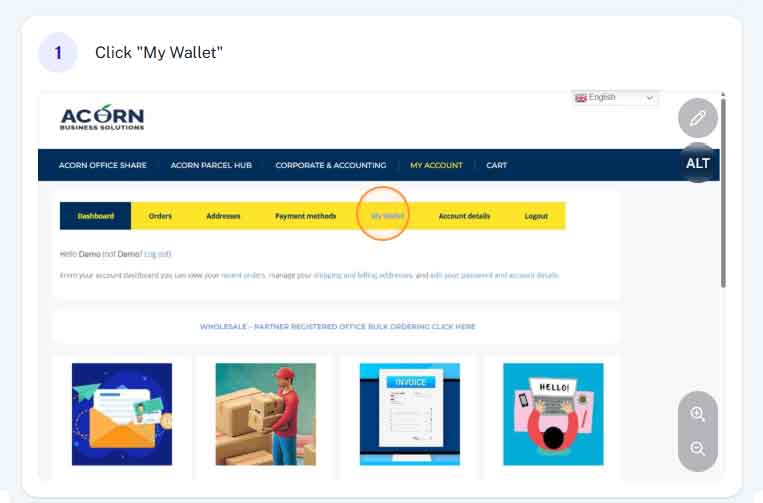
Step 1 - Access My Wallet
From within your account (acornbusinesssolutions.com/my-account) click on the “My Wallet” tab at the top of the page.
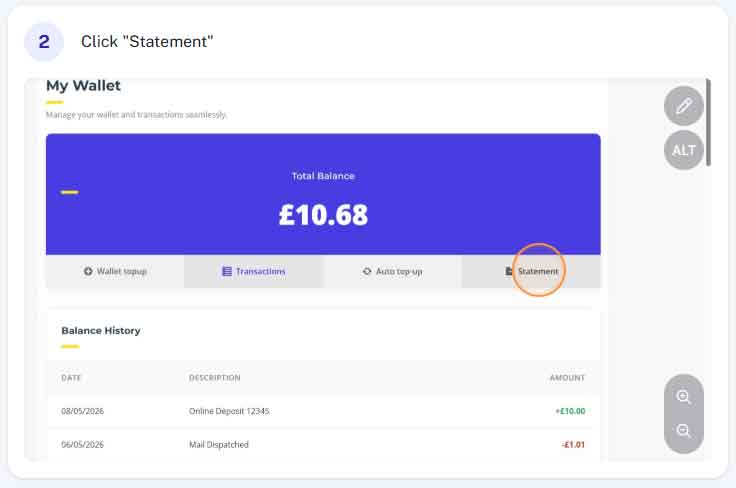
Step 2 - Click "Statement"
At the top of the page click the “Statement” tab
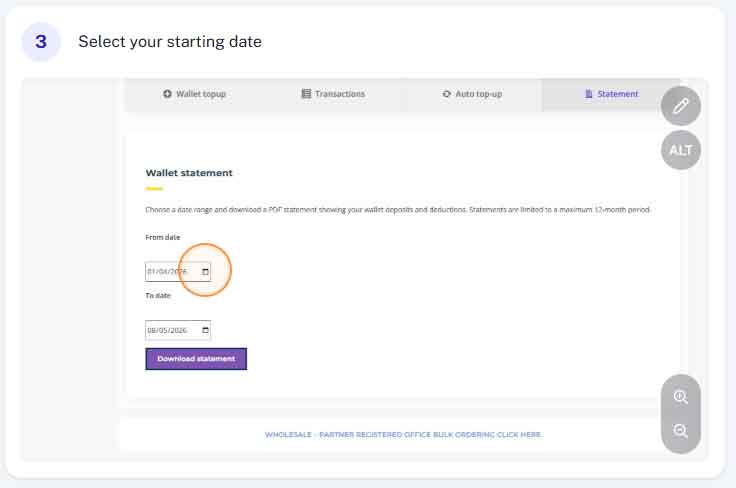
Step 3 - Enter From Date
This feature allows you to generate a statement of transactions between two dates. Enter the earliest date here.
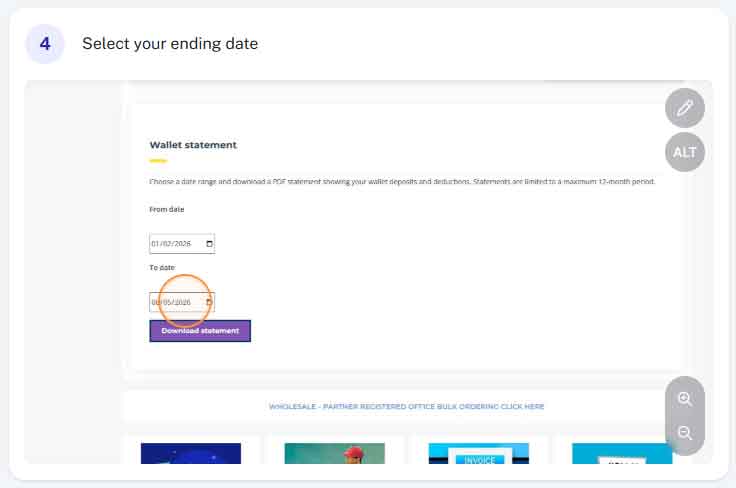
Step 4 - Enter "To Date"
Enter the latest date you wish to include in your statement.
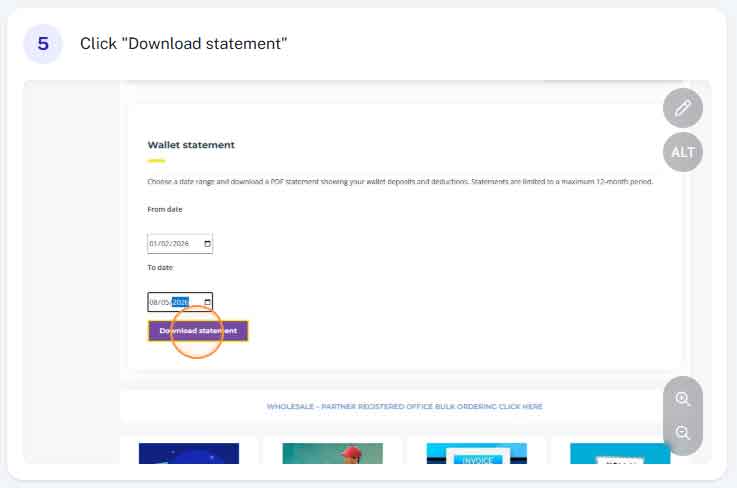
Step 5 - Click "Download Statement"
Simply click the “Download Statement” button. A pdf statement will automatically download.