How do I request consolidation?
This feature will list all your current parcels, with your can access further details and request certain actions such as forwarding, consolidation, disposal.
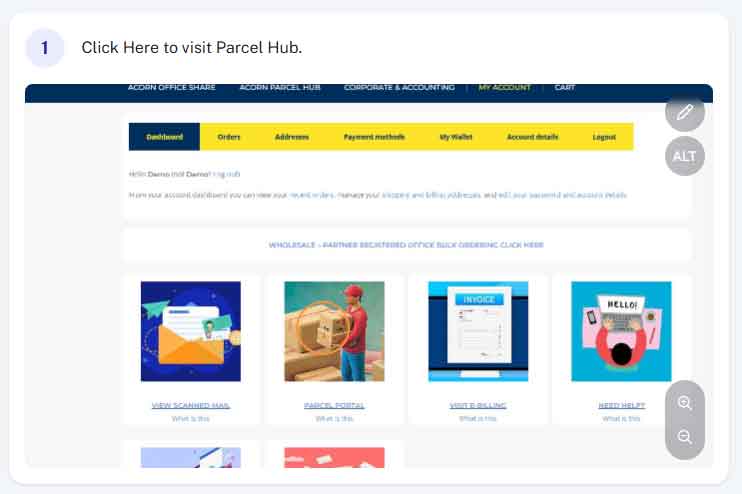
Step 1 - Access Parcel Hub
From within your account (acornbusinesssolutions.com/my-account) click on the “Parcel Hub” Image or text link.
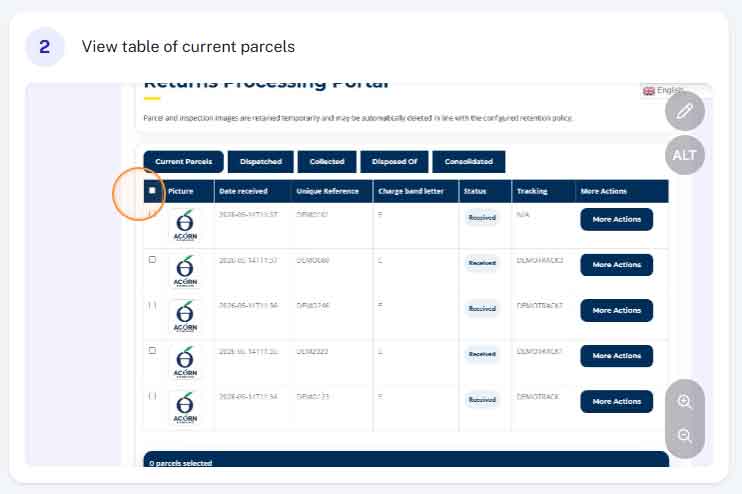
Step 2 - View table of current parcels
Here you will find a table detailing all the parcels currently in our possession.
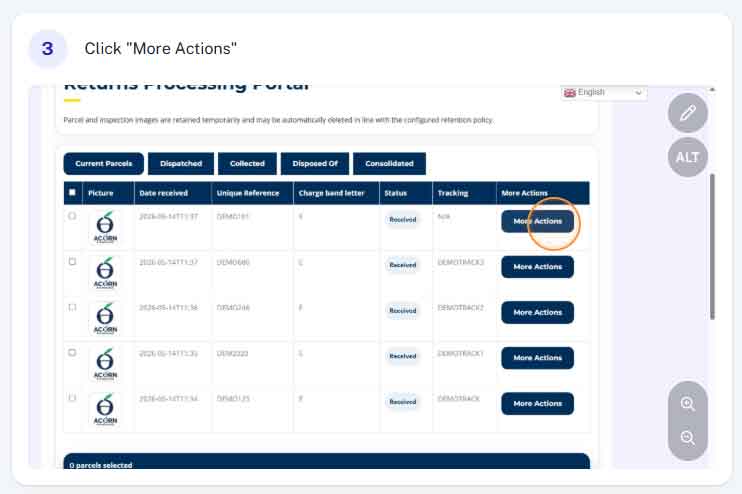
Step 3 - View more details by clicking "Request Action"
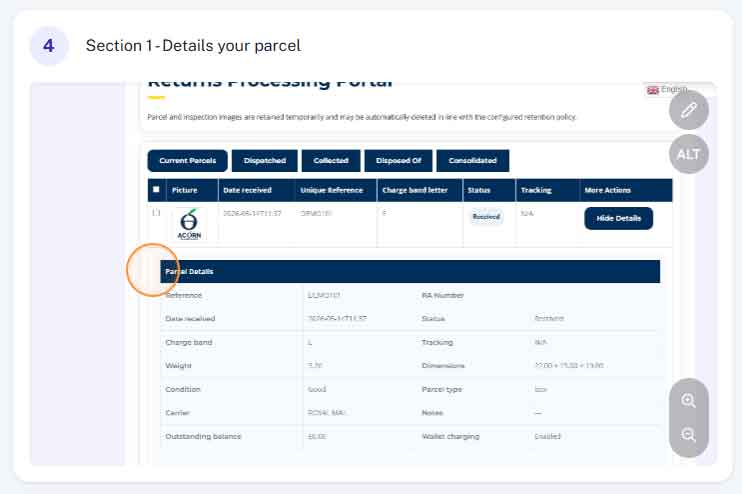
In the first section you will find details such as weight and dimensions, tracking information, charge band and any additional notes.
Step 4 - Parcel Details
Enter the latest date you wish to include in your statement.
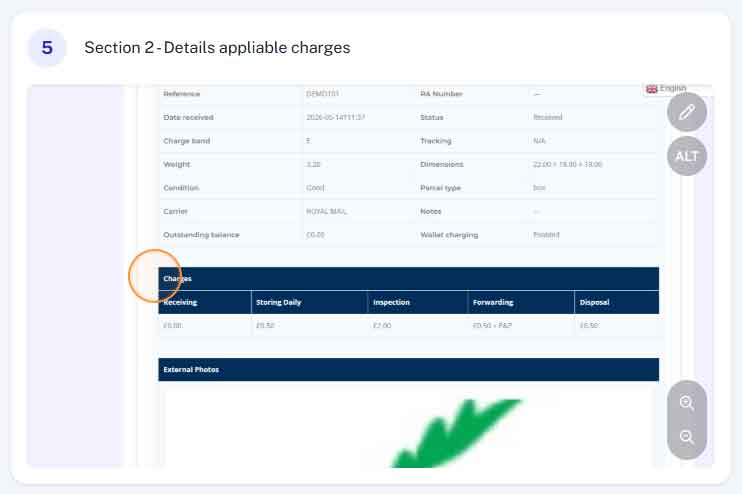
Step 5 - Charge Band
Prices charged vary depending on the size and weight of the parcel, the applicable charges will be shown here.
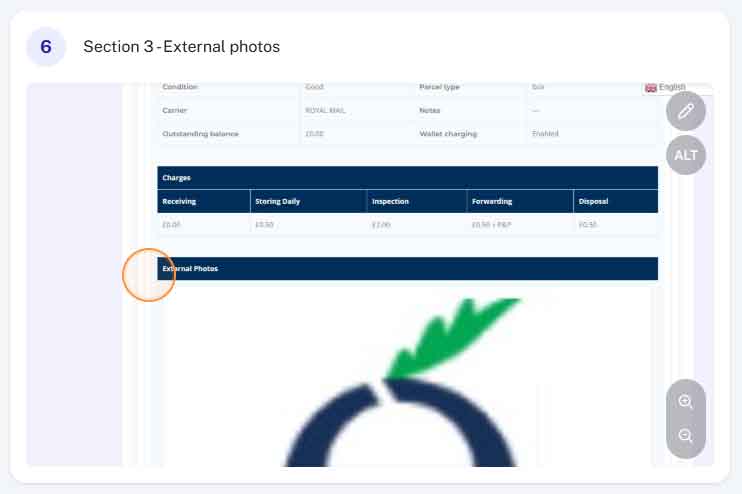
Step 5 - External Photos
At the bottom, you will find a picture of your parcel (more than one picture may be displayed)