How do I collect my parcels?
You don’t need to do anything to collect your parcels other than arrive at our premises (with ID) during normal business hours. However if you have multiple parcels, you can speed up the process by letting us know you are collecting. To do this, simply follow this guide.
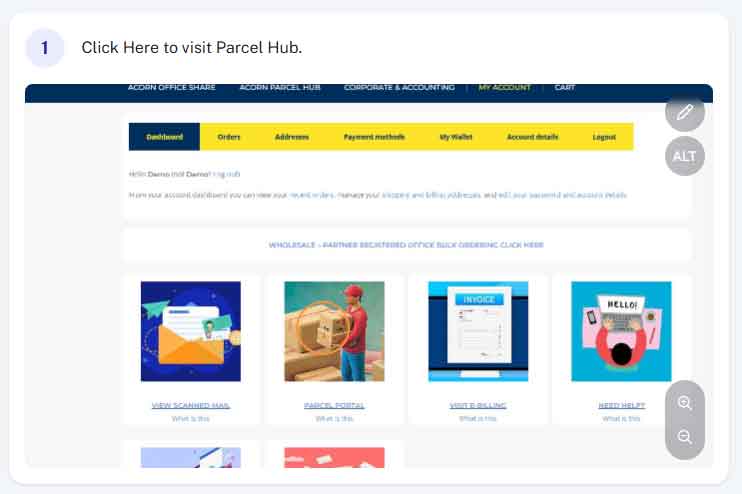
Step 1 - Access Parcel Hub
From within your account (acornbusinesssolutions.com/my-account) click on the “Parcel Hub” Image or text link.
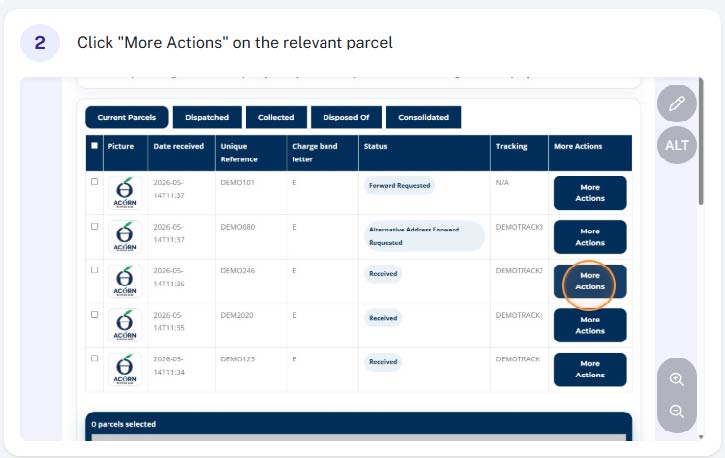
Step 2 - Find the relevant parcel and click "More Actions"
From the table of parcels find the one you want forwarding out to you and select “More Actions”
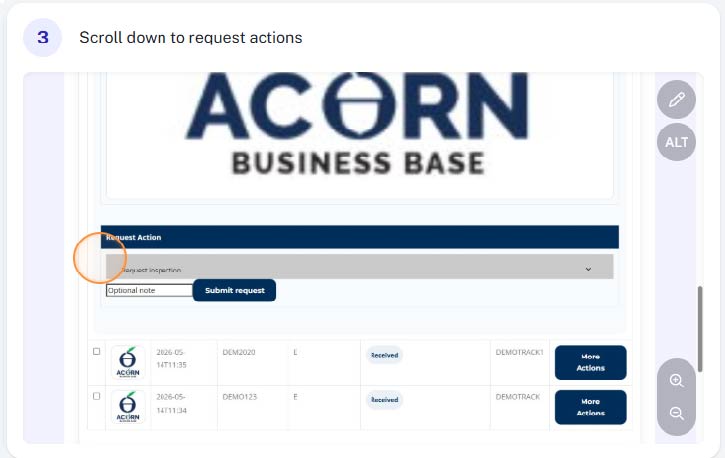
Step 3 - Scroll down to the "request actions" drop down
Scroll down towards the bottom of the parcel details and find the “request actions” drop down.
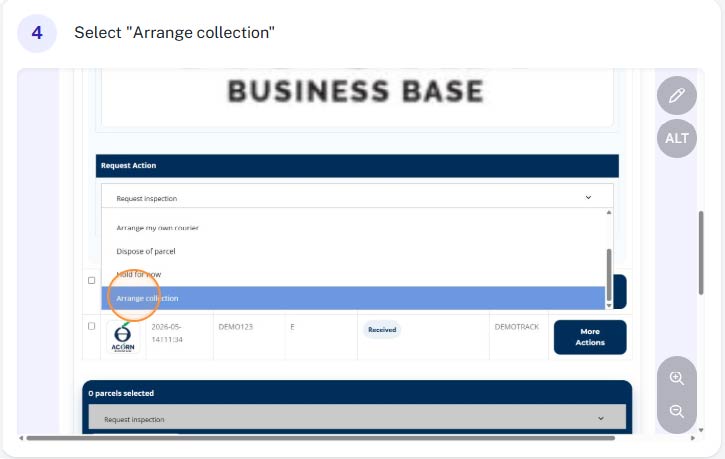
Step 4 - Select "Arrange Collection"
From the drop down menu select “Arrange Collection”
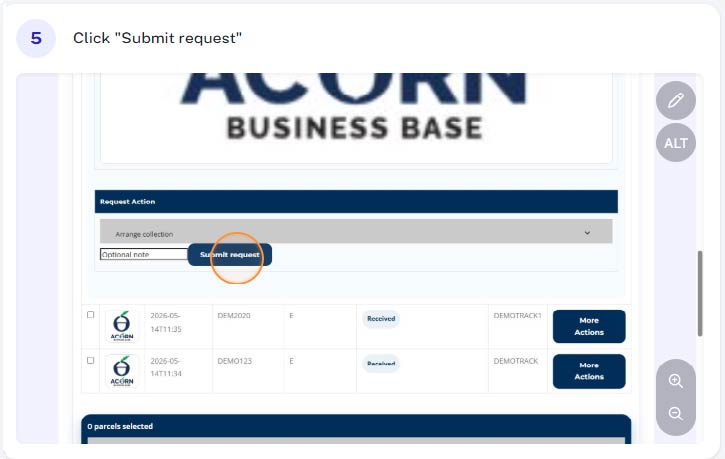
Step 5 - Click "Submit Request"
You can now submit your request.
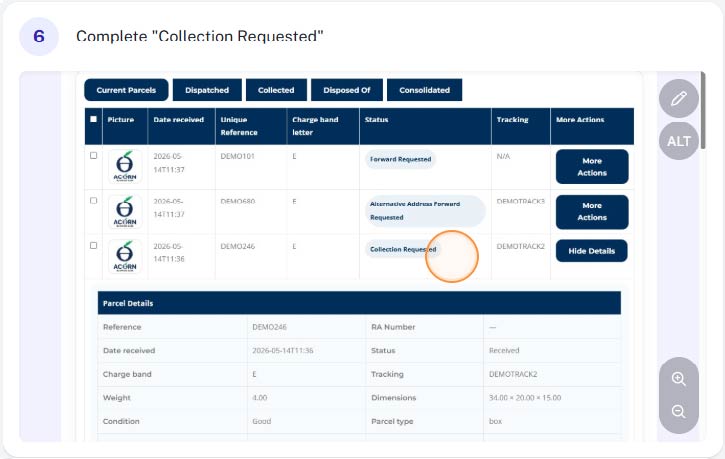
Complete
You have now let us know you will be collecting. Simply arrive during normal business hours, remembering to bring ID to prove your the account holder and we will have your parcel/parcels ready to collect.