How do I view my past parcels?
All parcels still in our possession will be held in your “Current Parcels” list, however these will be moved once dispatched, consolidated, disposed of or collected.
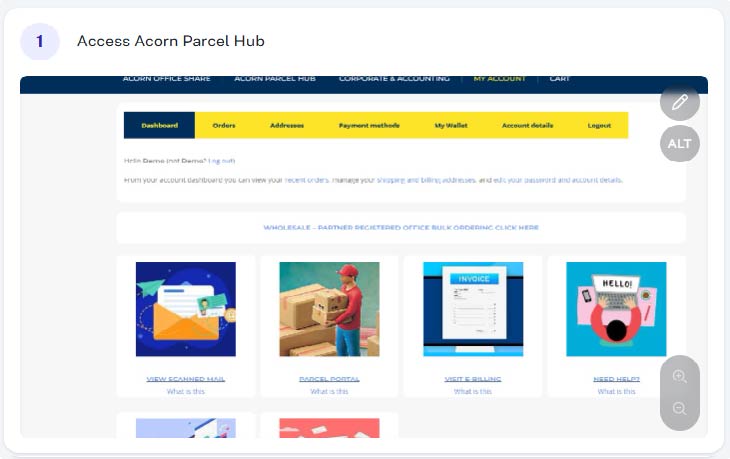
Step 1 - Access Acorns Parcel Hub
From within your account (acornbusinesssolutions.com/my-account) click on the “Parcel Hub” Image or text link.
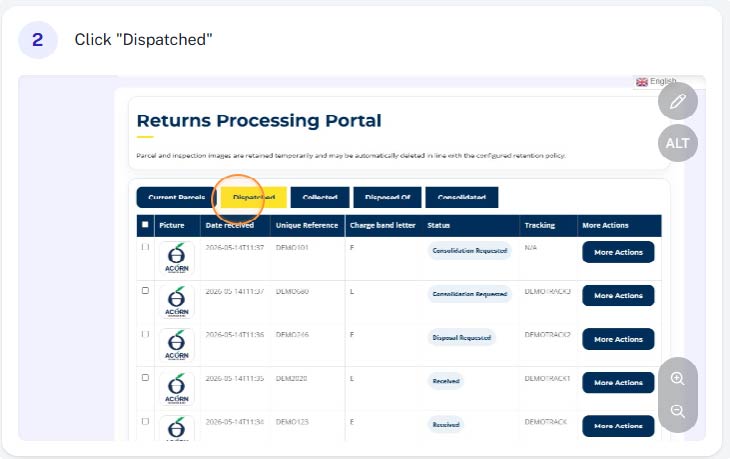
Dispatched
Once a parcel has been dispatched (using a postal / courier service provided via Acorn) it will be moved to the “dispatched” tab
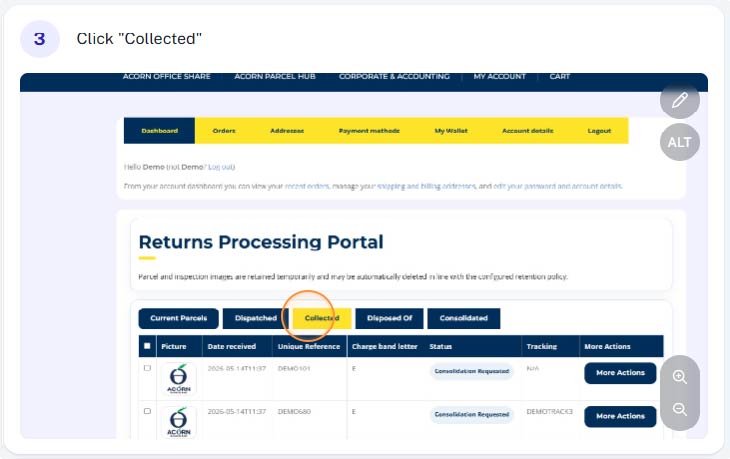
Collected
Once a parcel has been collected from our premises, including parcels collected by your own courier, it will be moved to the “collected” tab
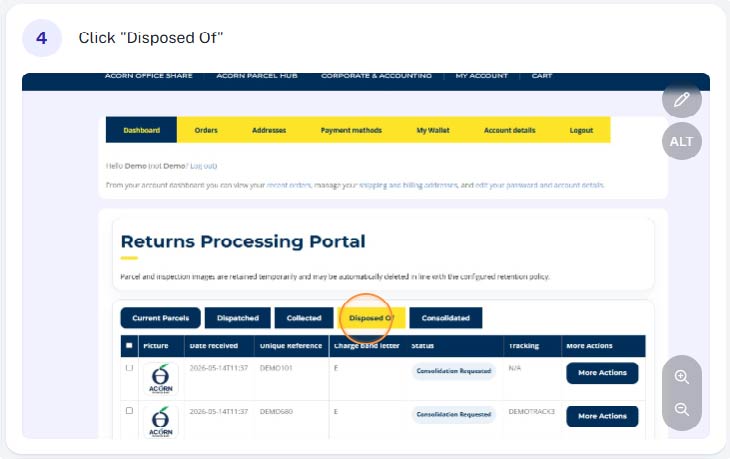
Disposed of
Once you’ve requested that a parcel is disposed of, it will be moved to the “Disposed of” tab
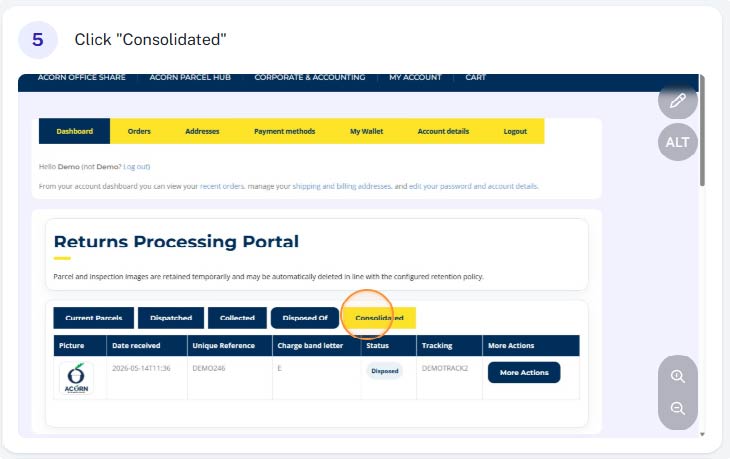
Consolidated
One parcels have been consolidated, a new consolidated parcel will appear in your current parcels list each individual parcel will be moved to the “consolidated” tab